
If your child is a player at a club, or you are a player yourself, it's quick and easy to respond to availability requests for upcoming events, training sessions, or matches.
If you've received an email, just click to select either:
-
"Yes, I can attend"
-
"I can't attend"
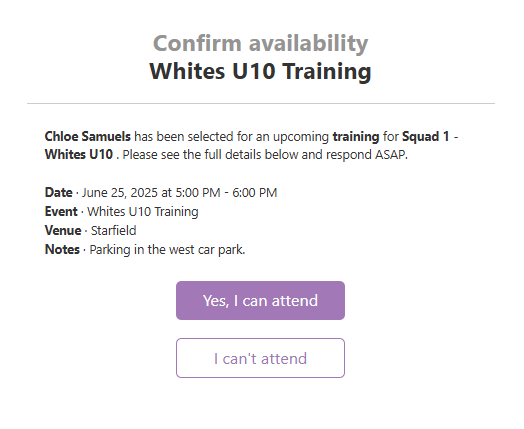
Your response will automatically update the club, so there's no need to follow up.
You can also log in to your JoinIn account at any time. Head to the ‘Notifications’ section in the left-hand menu to view and respond to any pending availability requests or invitations.
#Joinin #notification #user #availabilty #teamsports #teams #squads #football